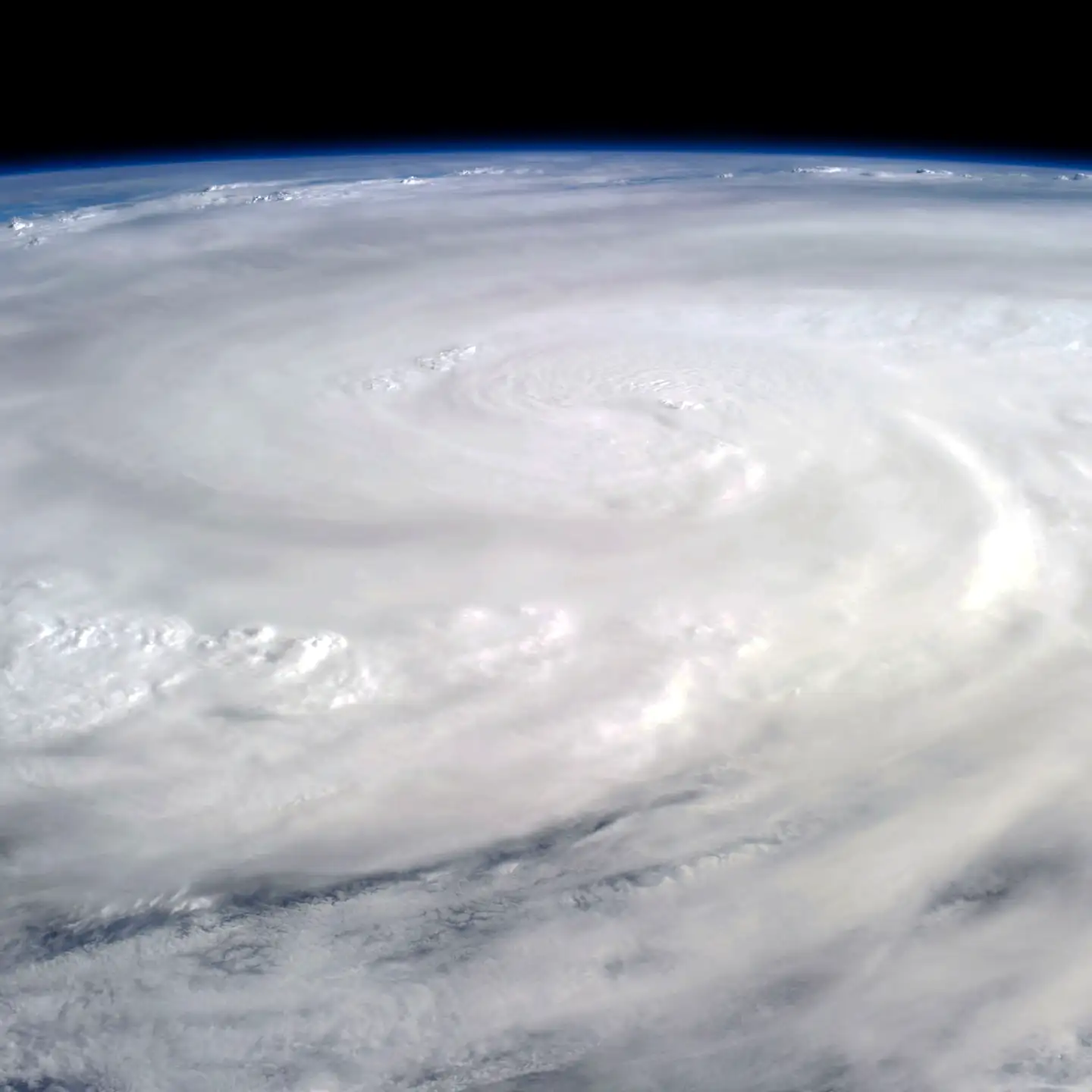
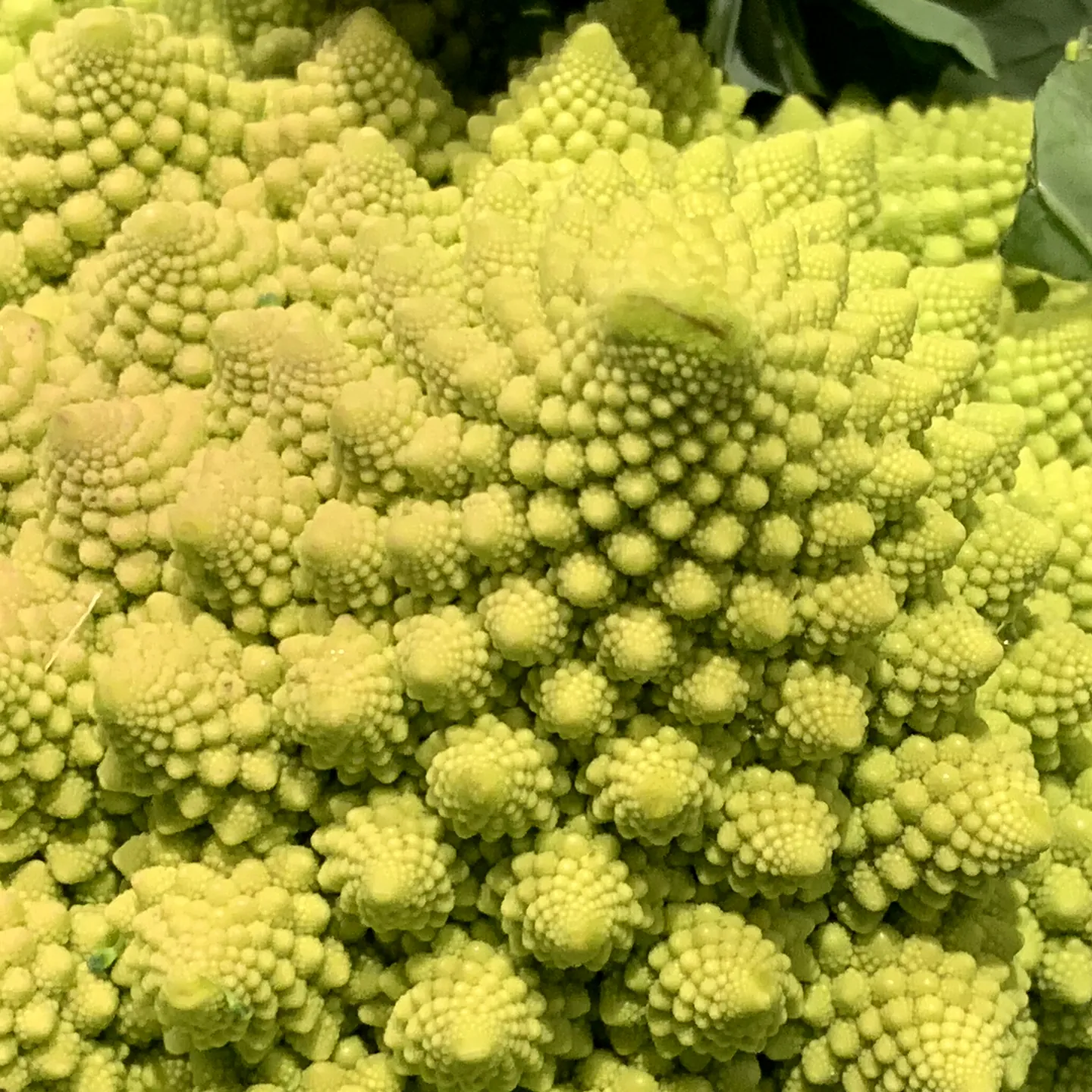
Shells, storms, ferns and galaxies all curl into spirals. Once you start looking, the patterns are everywhere.
Including us.
Our gestures and actions follow patterns: how children settle into a room, take turns, give up or try again.
Our vision.
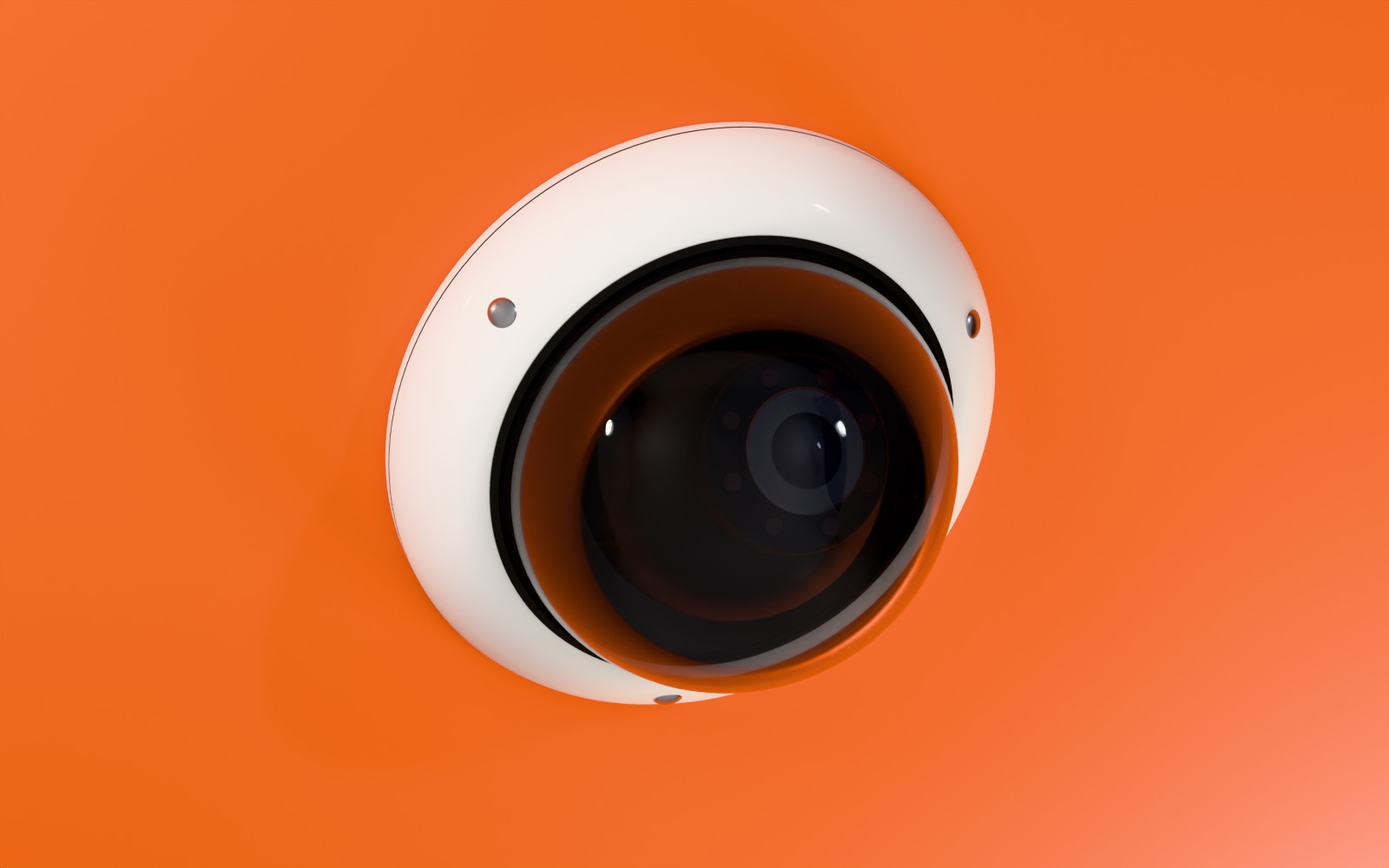
To learn to interpret those patterns carefully, and help children and parents see what's needed beyond grades. Today, our work is simpler: we keep watch over a school's CCTV. We don't score or profile individual children.
Scroll
Cam 04 · Corridor · Online
01Where we start
Your school already has the cameras.
They record all day, whether or not anyone is watching.
32%of students in surveys reviewed by UNESCO were bullied by other students at school in the past month.Source · UNESCO, Behind the numbers, 2019
36%of students in surveys reviewed by UNESCO were in a physical fight in the past year.Source · UNESCO, Behind the numbers, 2019
1 in 5CCTV cameras weren't working in Delhi's municipal (MCD) schools (682 of 3,202).Source · MCD data via Free Press Journal, March 2026
A camera that's on isn't a camera that's watched.
03The fix
Every camera, on duty.
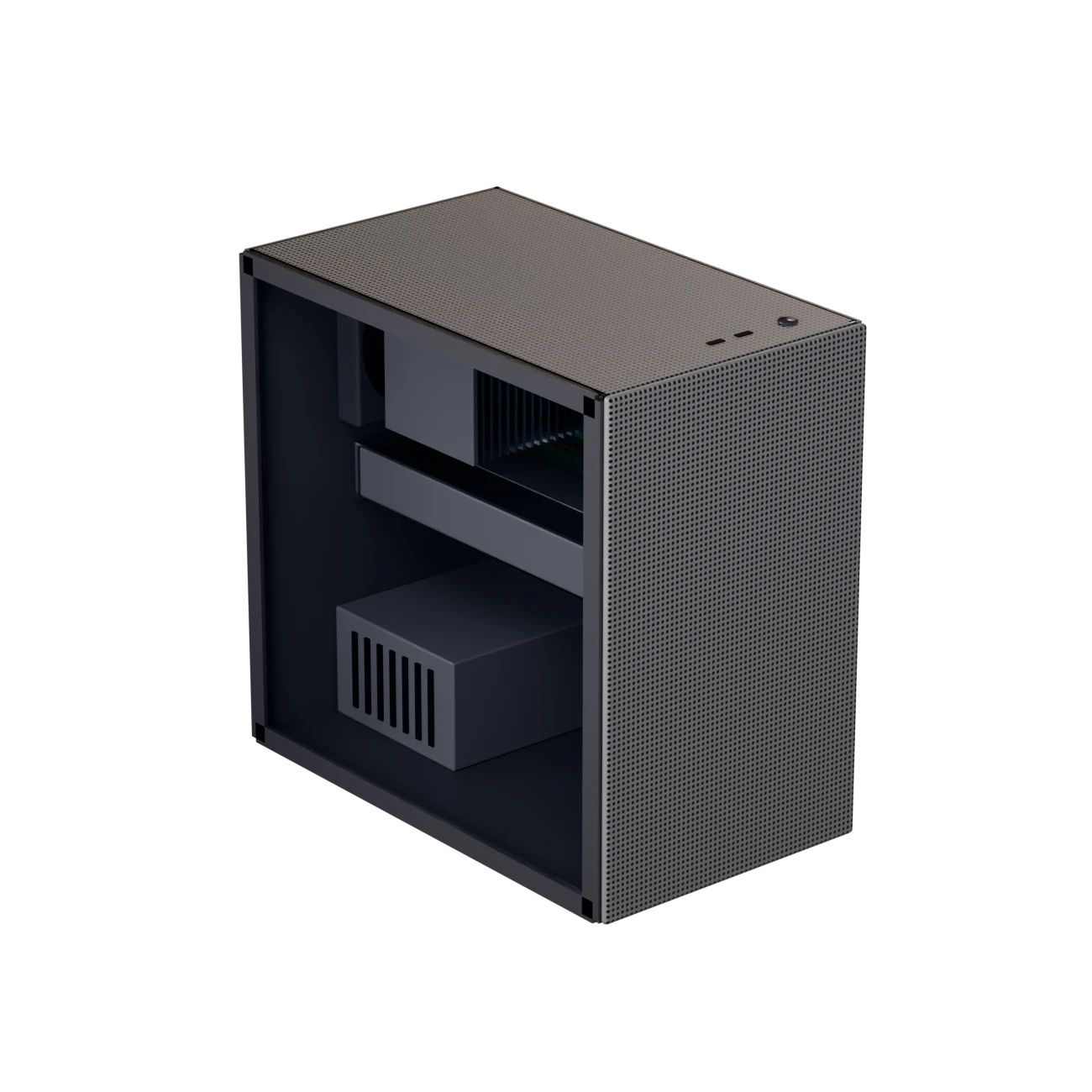
One box, in your school's IT room.
When a camera goes offline, or a fight is spotted in a camera's view, the staff your school chooses get a text alert. Fight alerts come with Premium and Ultra.
CaseA small tower with a clear side panel. Sits in your school's IT room.
2
Fans and dust filterPull filtered air through the box, all day.
3
Graphics cardLooks for fights in the video from your cameras.
4
Processor and memoryRun the dashboard and send the alerts.
5
Two drivesOne runs the system. The other keeps clips and event records, in your school.
12345
05Try it
Pull a camera's cable.
Open Sensai spots when a camera stops working, and the staff your school has chosen get a text alert. Plug it back in, and they are told it is working again.
When a fight is spotted in a camera's view, they get a Priority alert.
Drag the orange plug, or tap it
Press Climb on Cam 01, Fight on Cam 02 or Copy on Cam 03
Alerts tell staff what and where. Clips and snapshots stay on the dashboard, visible only to the roles your school allows. Open Sensai doesn't score or profile individual children.
View-onlyThe box reads your recorder through a view-only account.
No pictures in alertsAn alert says what is wrong and where. Clips and images aren't sent to phones or chat apps.
Your alert routeThe box sends each alert through the messaging service your school sets up. It does not pass through our servers.
The dashboard stays insideThe dashboard runs on the box in your school and opens only inside your school's network.
Your school sets the rolesStaff log in with their school email ID. Each person sees only what their role allows.
Downloads stay in schoolDownloads save to your school's server, not to phones.